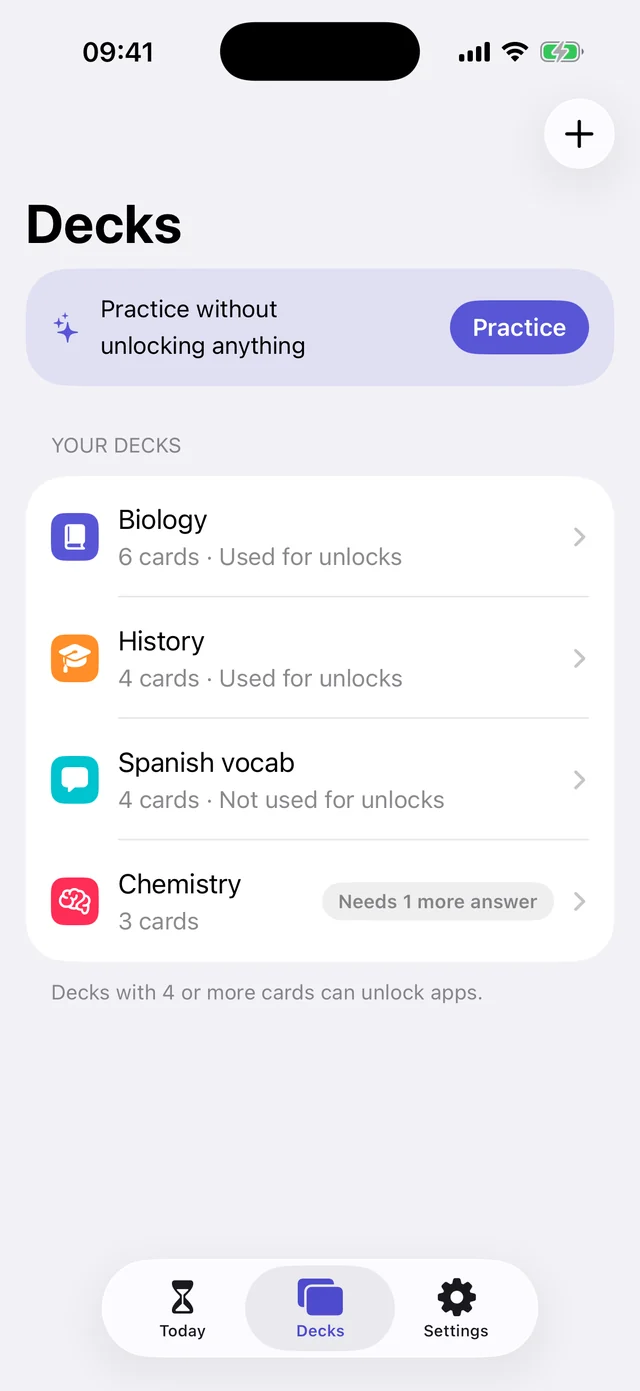
Your own decks. Biology, vocab, case law, anything. Cards you miss come back more often.
For anyone who studies with a phone nearby
Set a daily limit for the apps that eat your day. When it runs out, the app locks. Answer one of your own flashcards to get 2 more minutes.
3 days free · iPhone, iOS 17.4 or later
One card. Two minutes. No shortcuts.
FlashLock uses Apple's Screen Time, so a locked app stays locked. There's no “ignore limit” button. You get back in by learning something.
Set it up once. After that, every time you reach for your phone, you review a card.
Pick up to 9 apps and give each one a daily budget.
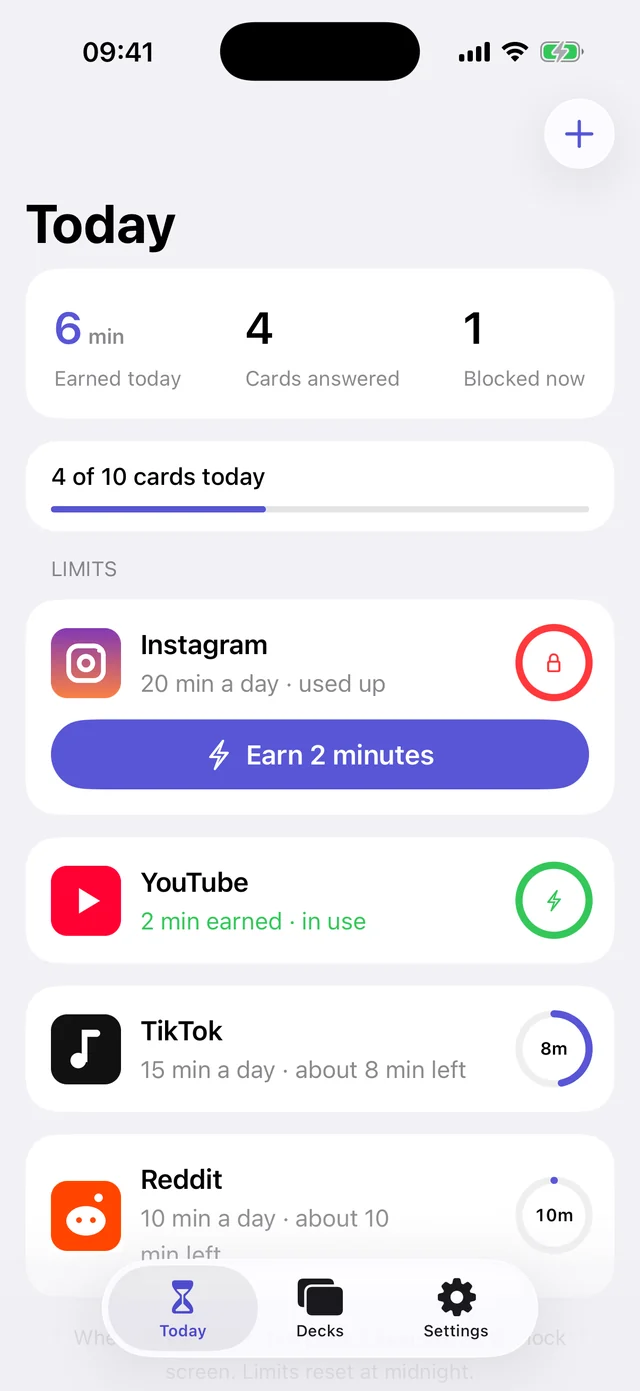
When the time is up, Screen Time shields it until midnight.
 Instagram is locked
Answer a flashcard in FlashLock to earn 2 more.
Earn 2 minutes
Instagram is locked
Answer a flashcard in FlashLock to earn 2 more.
Earn 2 minutes
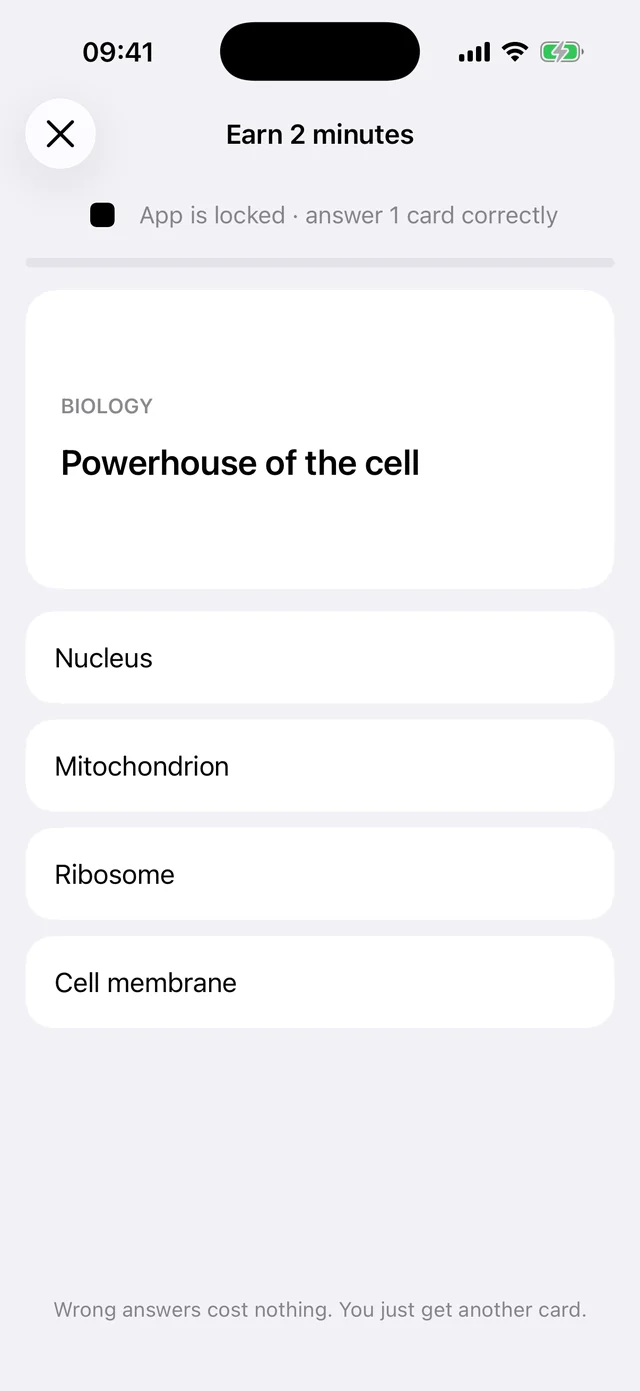
Right answer: 2 more minutes. Wrong answer: just the next card.
Your own decks. Biology, vocab, case law, anything. Cards you miss come back more often.
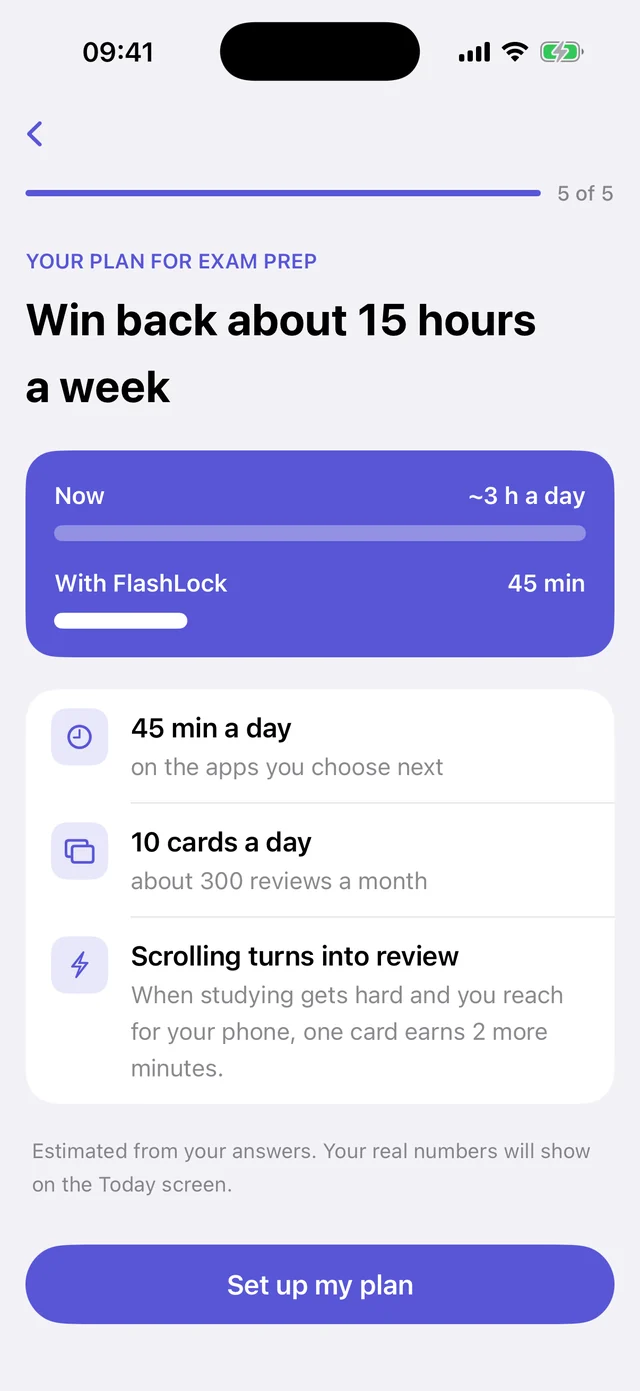
A plan that fits you. Tell it what you're studying for and how much you scroll, and it sets the limits and a daily card goal.
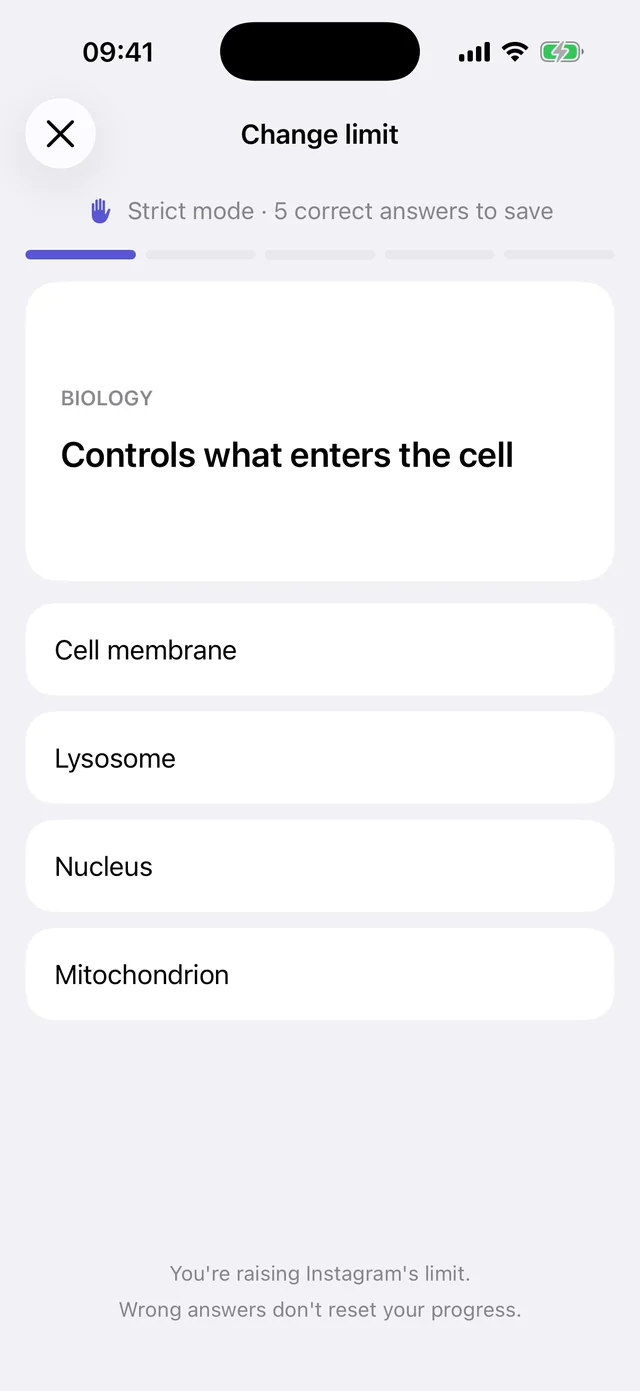
Strict mode. Raising a limit takes 5 correct answers, so late-night you can't quietly undo daytime you.
Private by design. No account, no ads, no tracking. Your cards and limits stay on your iPhone, and Screen Time never tells us which apps you picked.
Pricing
Full access from the first minute. Cancel any time in Settings, before the trial ends, and you pay nothing.
3 days free, then $2.99 a week. Cancel anytime.
US prices. The App Store shows your local price.
Nothing bad. You get the next card. Only a correct answer unlocks 2 minutes, and you can try as many cards as you like.
It's the only way an iPhone app can lock other apps. Apple gives FlashLock anonymous tokens for the apps you pick. It can't see their names, your browsing or your messages.
No. Earned time is used right away, and you earn again the next time the app locks. Limits reset at midnight.
Yes, a few. Setup walks you through your first deck, and four cards with different answers is enough to start unlocking apps.